- 1
- BLACKL
- TABLETAPPLE iPad Mini 8NEW iPad A16(2025) iPad 10.9" 10th (2022) iPad 10.2" (7th/8th/9th) iPad Air 13" (M2/M3/M4)(2024/2025/2026)NEW iPad Air 11" (M2/M3/M4)(2024/2025/2026)NEW iPad Mini 8.3" (A7 Pro/6th Gen) iPad Pro13"(M4/M5)(2024/2025) iPad Pro11"(M4/M5)(2026) iPad 9.7" (5th/6th Gen) iPad Pro 12.9"(2018-2022) iPad Pro 11"(2018-2022) iPad 9.7"(2th/3th/4th) iPad Air 10.9"(4th/5th Gen) iPad Mini 7.9"(4th/5th Gen)SAMSUNG Galaxy Tab A11 Galaxy Tab A11 Plus Galaxy Tab S11 Galaxy Tab S12 PlusNEW Galaxy Tab S12 UltraNEW Galaxy Tab A9+ Galaxy Tab A9 Galaxy Tab A8 Galaxy Tab A7 Galaxy Tab A7 Lite Galaxy Tab S11 Ultra/S10 Ultra/S9 Ultra/S8 Ultra Galaxy Tab S10+/S9+/S9 FE+ Galaxy Tab S10Lite/S10 FE/S9 FE/S9 Galaxy Tab S8+/S7+/S7 FE Galaxy Tab S8/S7 Galaxy Tab S6 lite Galaxy Tab A10.1 Galaxy Tab A8.4 Galaxy Tab A8.0 Galaxy Tab S10 FE+LENOVO iDea tab 11/Tab K11 Gen 2 /Xiaoxin Pad 11 2025 Lenovo Tab K9 (Tab One) 2025 Lenovo Tab M10 10.1"(2025) Lenovo Tab M10 Plus 10.6" (3rd Gen) Lenovo Tab M10 HD 10.1" (3rd Gen) Lenovo K10/M10 Plus 10.3" (2nd Gen) Lenovo Tab M10 HD 10.1" (2nd Gen)XIAOMI Redmi Pad 2 9.7 InchNEW Xiaomi Pad8/8Pro 11.2" Redmi Pad2/Pad2.4G Xiaomi Pad 6/6 Pro 11" Redmi Pad 10.61" Redmi Pad Se 11" Redmi pad Se 4G 8.7" Xiaomi Pad7/7 Pro 11.2" Redmi Pad Pro/Xiaomi Poco Pad/Redmi Pad2 Pro 12.1HUAWEI Huawei Matepad Se 10.4" Huawei Matepad 11" Huawei Matepad 11.5" Huawei Matepad SE 11" Huawei Matepad T8 8" Huawei Matepad T10 9.7"
- CATEGORIES






How Warehouse Operations Benefit from Layered Tablet Protection
Tablets have become practical work tools across receiving, put-away, cycle counting, picking, packing, maintenance, and shipping. Their value comes from fast access to warehouse management systems, visual work instructions, exception handling, and real-time communication. Yet the same mobility that makes tablets useful also exposes them to repeated drops, vibration, dust, cart impacts, and hurried handling. A protection program should therefore be designed around workflow, not treated as a last-minute accessory purchase.
Map risks by workstation and task
Begin by identifying where devices are used and how they move. A tablet fixed to a packing bench faces different risks from one carried on a forklift or used by a picker climbing steps. Receiving teams may handle devices near dock plates and pallets. Inventory teams may use cameras or scanners continuously. Maintenance crews may work around tools, oils, and uneven surfaces. Documenting these scenarios helps the buyer specify the right balance of impact protection, weight, grip, mounting, and access.
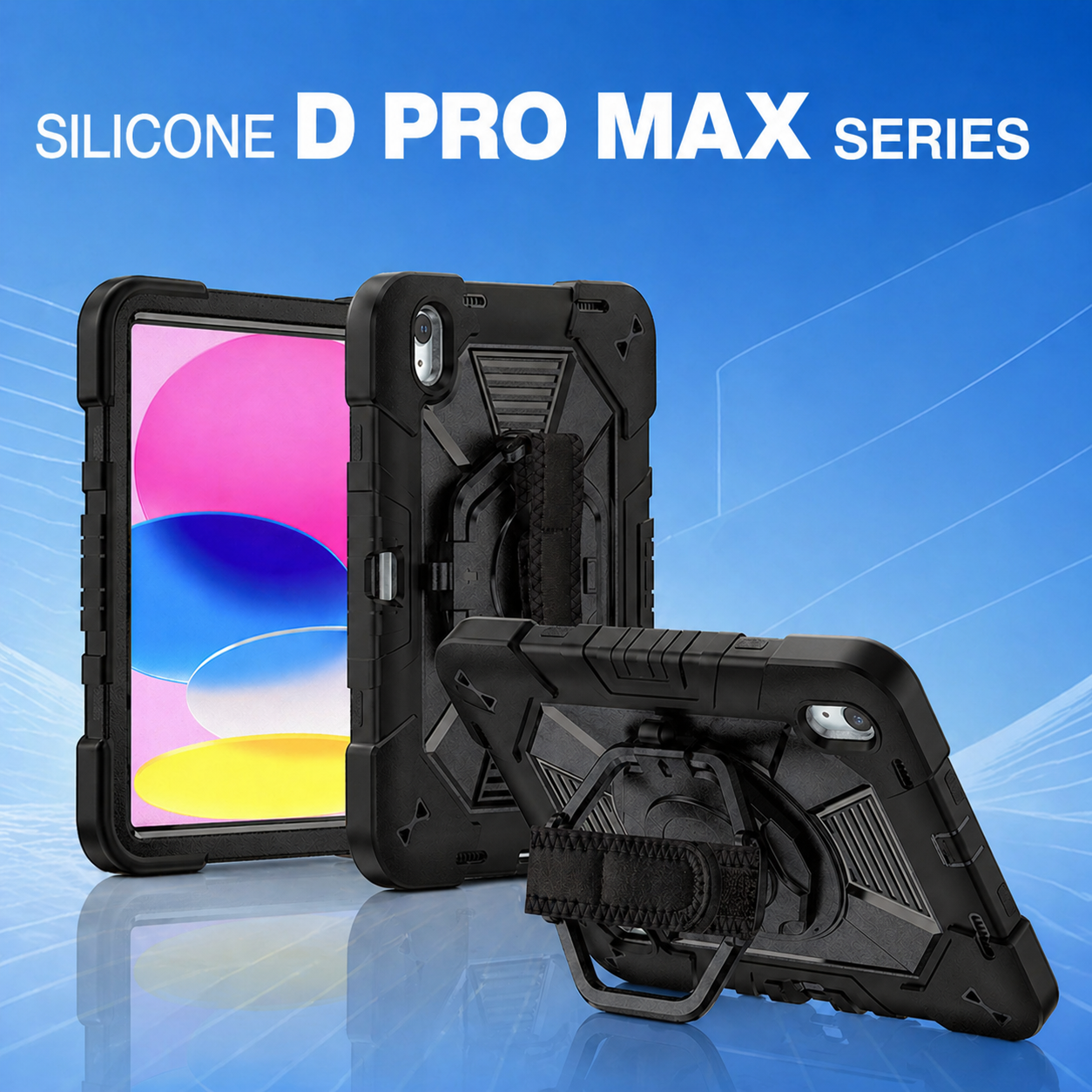
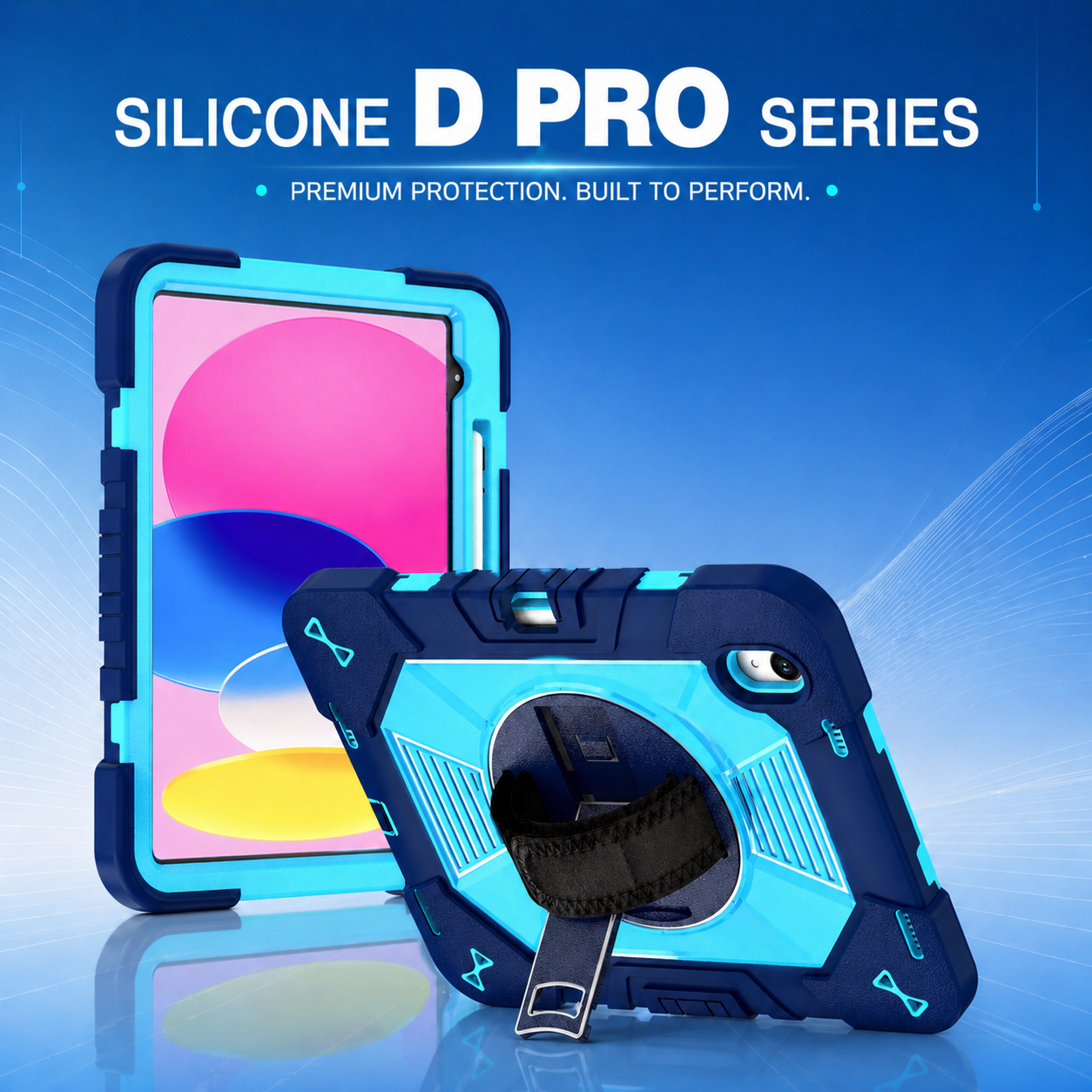
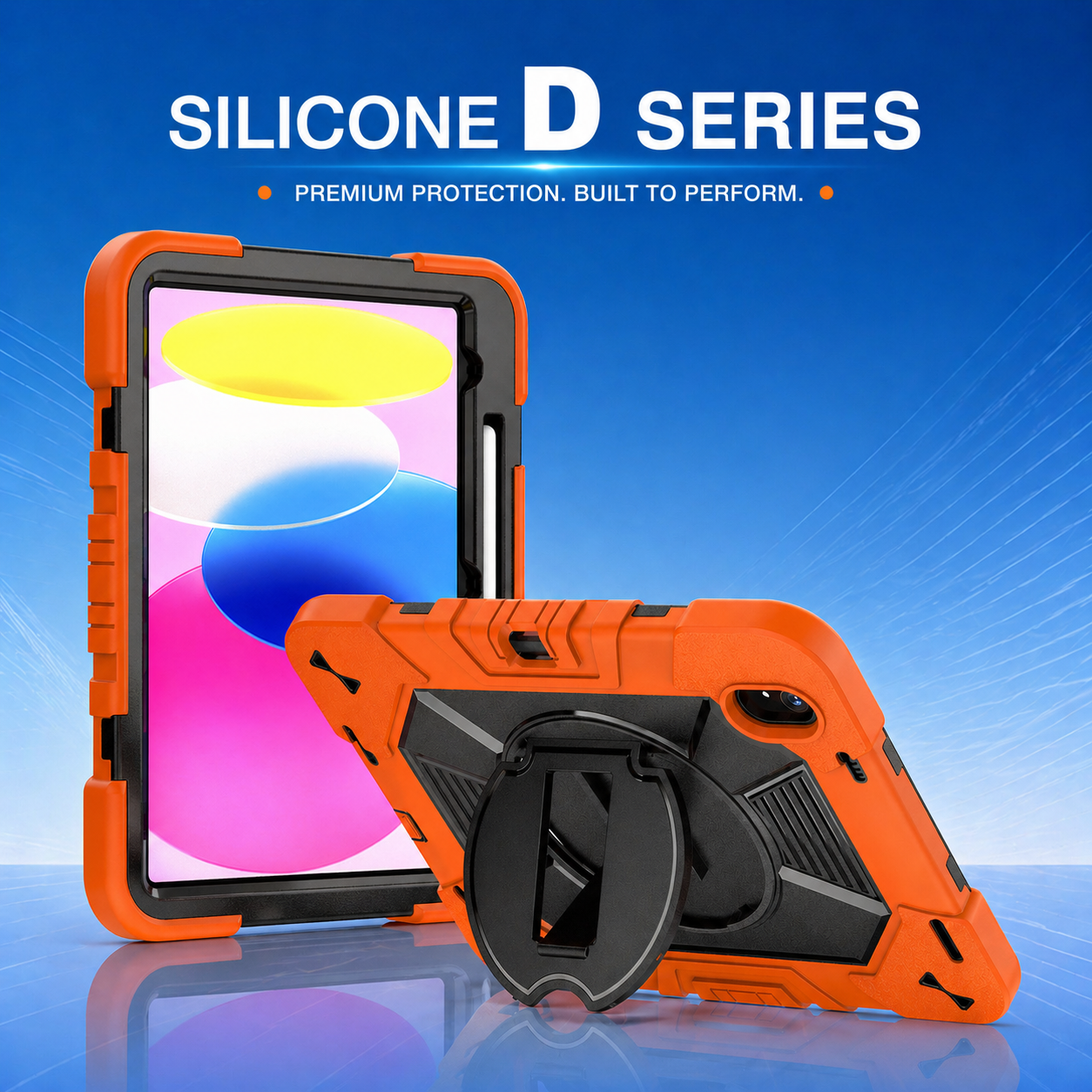
A full body protective tablet case is often appropriate when the device changes hands frequently or operates near hard floors. It should protect edges, corners, screen perimeter, and camera area without interfering with wireless signals or normal controls. For teams that alternate between scanning and data entry, a multi angle kickstand tablet case can support both handheld and tabletop use. Where drops are the dominant risk, a shockproof iPad tablet case should be assessed with realistic orientations and repeated-impact testing.
Use layered construction with a clear purpose
Layered protection works best when each component performs a distinct function. A rigid inner frame can stabilize the tablet, a flexible outer layer can absorb impact, and reinforced corner geometry can distribute force away from vulnerable points. Raised edges help reduce direct contact with the screen and camera. Port covers can limit dust entry, but they must remain easy to open while wearing gloves and durable through repeated use.
More layers do not automatically mean better performance. Excess bulk can reduce comfort, slow scanning, and create storage problems in carts or lockers. The case should be tested with the actual device, charging cables, docking stations, screen protectors, and any attached scanner. A well-engineered two- or three-layer design may outperform a thicker product if the materials, locking features, and impact zones are better planned.
Improve ergonomics for long shifts
Protection must support the worker as well as the device. Rotating hand straps can reduce grip fatigue and allow the screen to change orientation quickly. Shoulder straps or lanyards help when workers need both hands for cartons, labels, or inspections. Kickstands should remain stable on narrow work surfaces and should not collapse when the touchscreen is pressed. Textured surfaces can improve grip, but deep patterns may trap dirt and complicate cleaning.
Pilot users should evaluate the case during real tasks rather than only in a conference room. Ask whether buttons can be located by touch, whether the camera is unobstructed, whether the tablet can be carried safely while climbing, and whether the case catches on clothing or equipment. Measure task time where possible. A small inconvenience repeated hundreds of times per shift can outweigh a minor difference in purchase price.
Support charging, mounting, and device management
Warehouses often charge devices in shared cabinets, multi-port stations, or vehicle docks. Case dimensions and port geometry must be compatible with the chosen charging method. If the case must be removed every day, both the enclosure and the tablet may experience extra wear. Buyers should prefer designs that permit charging while installed or use purpose-built docks that accommodate the protected device.
Mounting requirements should be considered early. Forklift, cart, wall, and desk mounts may need standard attachment patterns or custom adapters. The connection should resist vibration and accidental release while allowing authorized staff to remove the device. Asset labels, serial numbers, RFID tags, and mobile-device-management identifiers should remain visible or have a defined placement area on the case.
Build cleaning and maintenance into the specification
Cases used across shifts require a cleaning routine. Confirm which detergents or disinfectants can be used without degrading the surface, fading the logo, or softening flexible parts. Smooth transitions and removable components can make cleaning easier. Spare kickstands, straps, port covers, and screen protectors may extend service life without replacing the entire enclosure.
IT teams should define an inspection schedule for cracks, loose parts, stretched straps, and damaged covers. Supervisors can include a quick visual check at shift handover. Damaged cases should be removed from service before they expose the tablet to greater risk. Tracking failure locations also provides useful feedback for the next design revision or procurement cycle.
Measure operational value
The business case should consider more than unit price. Relevant measures include device breakage, repair turnaround, replacement purchases, worker downtime, accessory failure, installation time, and user satisfaction. Compare these metrics before and after deployment, and separate damage caused by inadequate protection from damage caused by process or training issues.
A successful warehouse protection program combines the right enclosure, clear handling practices, compatible charging and mounting, and consistent maintenance. When these elements are planned together, tablets remain available for the work they were purchased to perform. The next sourcing decision is whether to adapt an existing platform or commission a custom program. Read how OEM and ODM tablet case programs support logistics fleets to evaluate that choice.






.png)
+86 13422271740
.png)
info@tongmeitech.com
.png)
No. 34, Mashe Section, Guihe Road, Lishui Town, Foshan, Guangdong, China