- 1
- BLACKL
- TABLETAPPLE iPad Mini 8NEW iPad A16(2025) iPad 10.9" 10th (2022) iPad 10.2" (7th/8th/9th) iPad Air 13" (M2/M3/M4)(2024/2025/2026)NEW iPad Air 11" (M2/M3/M4)(2024/2025/2026)NEW iPad Mini 8.3" (A7 Pro/6th Gen) iPad Pro13"(M4/M5)(2024/2025) iPad Pro11"(M4/M5)(2026) iPad 9.7" (5th/6th Gen) iPad Pro 12.9"(2018-2022) iPad Pro 11"(2018-2022) iPad 9.7"(2th/3th/4th) iPad Air 10.9"(4th/5th Gen) iPad Mini 7.9"(4th/5th Gen)SAMSUNG Galaxy Tab A11 Galaxy Tab A11 Plus Galaxy Tab S11 Galaxy Tab S12 PlusNEW Galaxy Tab S12 UltraNEW Galaxy Tab A9+ Galaxy Tab A9 Galaxy Tab A8 Galaxy Tab A7 Galaxy Tab A7 Lite Galaxy Tab S11 Ultra/S10 Ultra/S9 Ultra/S8 Ultra Galaxy Tab S10+/S9+/S9 FE+ Galaxy Tab S10Lite/S10 FE/S9 FE/S9 Galaxy Tab S8+/S7+/S7 FE Galaxy Tab S8/S7 Galaxy Tab S6 lite Galaxy Tab A10.1 Galaxy Tab A8.4 Galaxy Tab A8.0 Galaxy Tab S10 FE+LENOVO iDea tab 11/Tab K11 Gen 2 /Xiaoxin Pad 11 2025 Lenovo Tab K9 (Tab One) 2025 Lenovo Tab M10 10.1"(2025) Lenovo Tab M10 Plus 10.6" (3rd Gen) Lenovo Tab M10 HD 10.1" (3rd Gen) Lenovo K10/M10 Plus 10.3" (2nd Gen) Lenovo Tab M10 HD 10.1" (2nd Gen)XIAOMI Redmi Pad 2 9.7 InchNEW Xiaomi Pad8/8Pro 11.2" Redmi Pad2/Pad2.4G Xiaomi Pad 6/6 Pro 11" Redmi Pad 10.61" Redmi Pad Se 11" Redmi pad Se 4G 8.7" Xiaomi Pad7/7 Pro 11.2" Redmi Pad Pro/Xiaomi Poco Pad/Redmi Pad2 Pro 12.1HUAWEI Huawei Matepad Se 10.4" Huawei Matepad 11" Huawei Matepad 11.5" Huawei Matepad SE 11" Huawei Matepad T8 8" Huawei Matepad T10 9.7"
- CATEGORIES
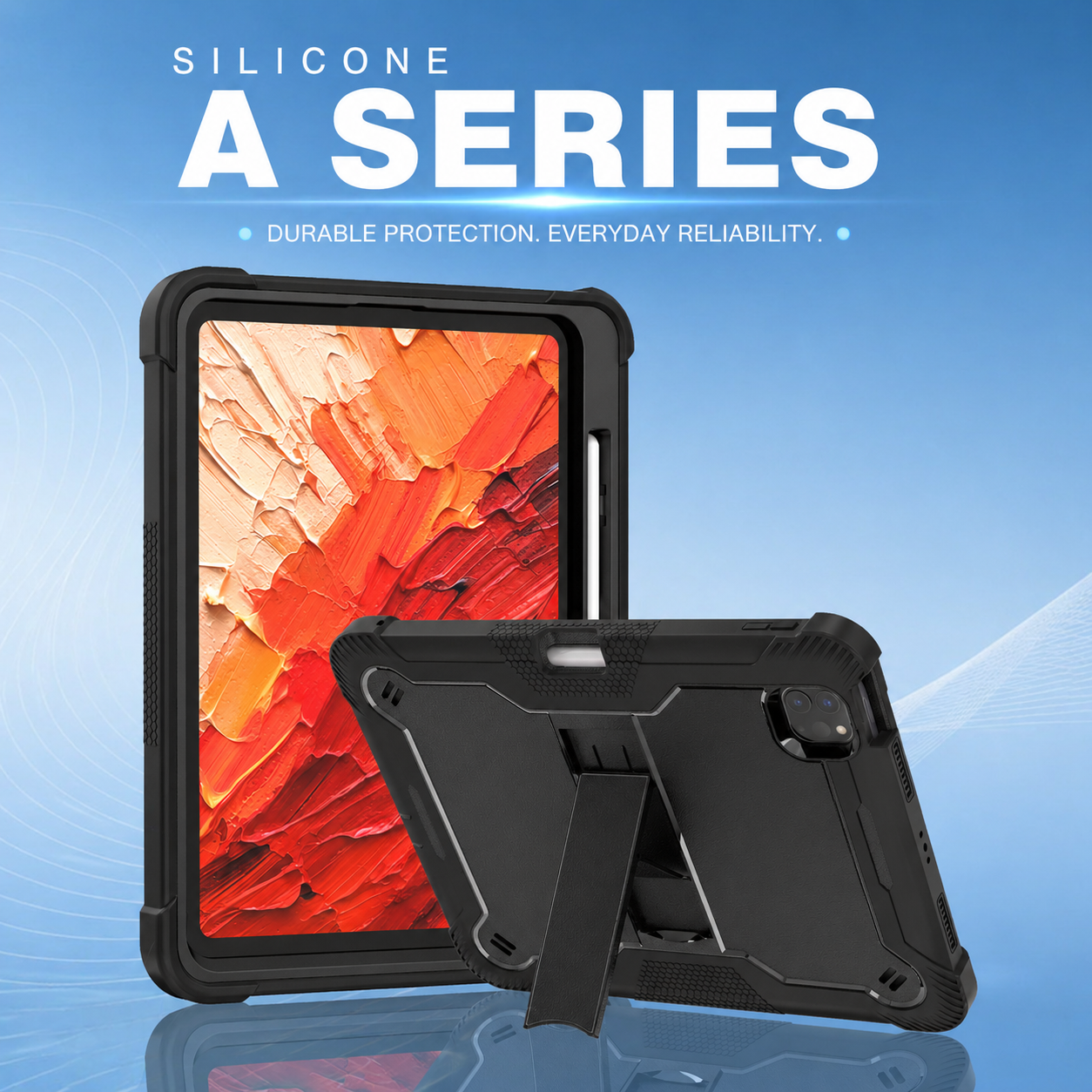
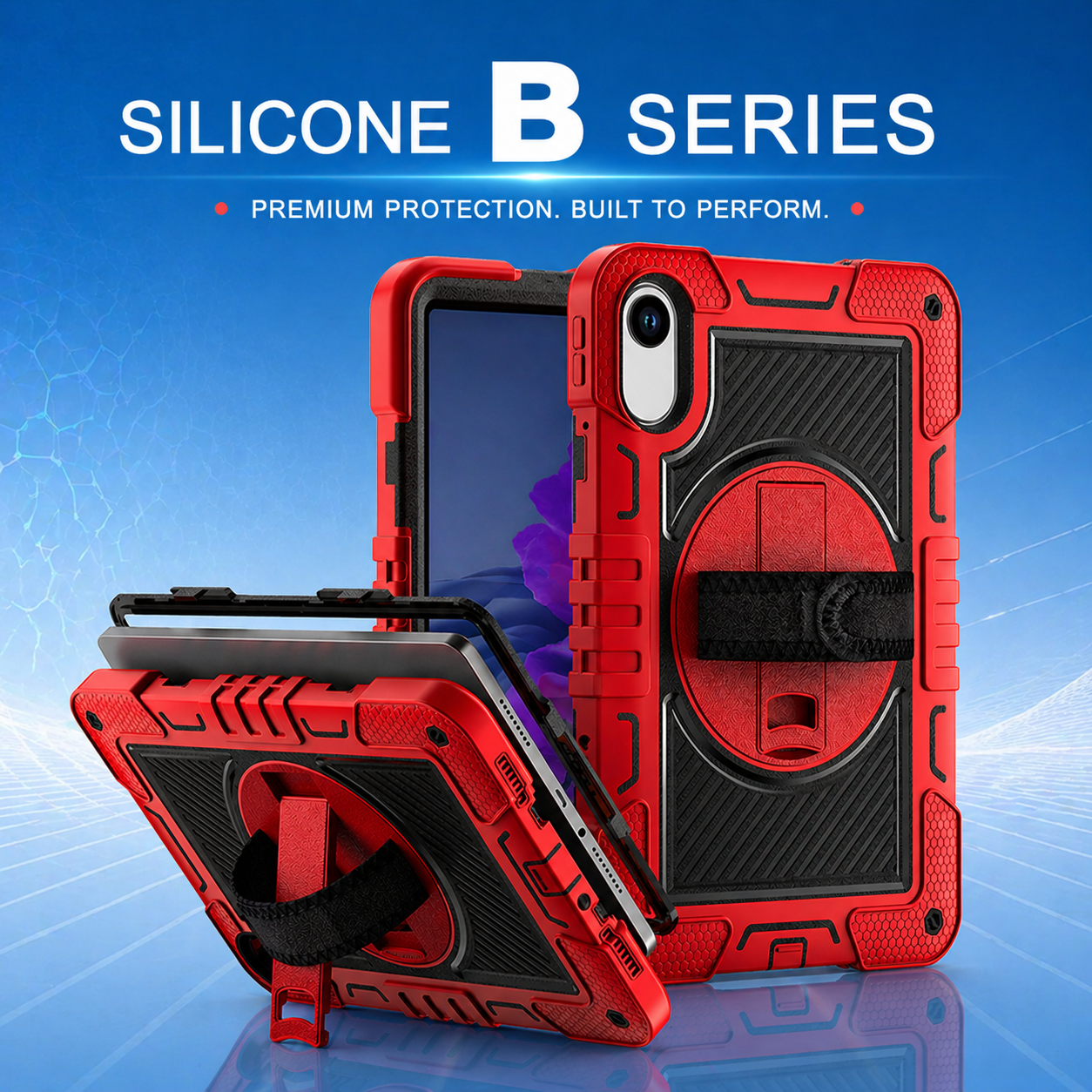

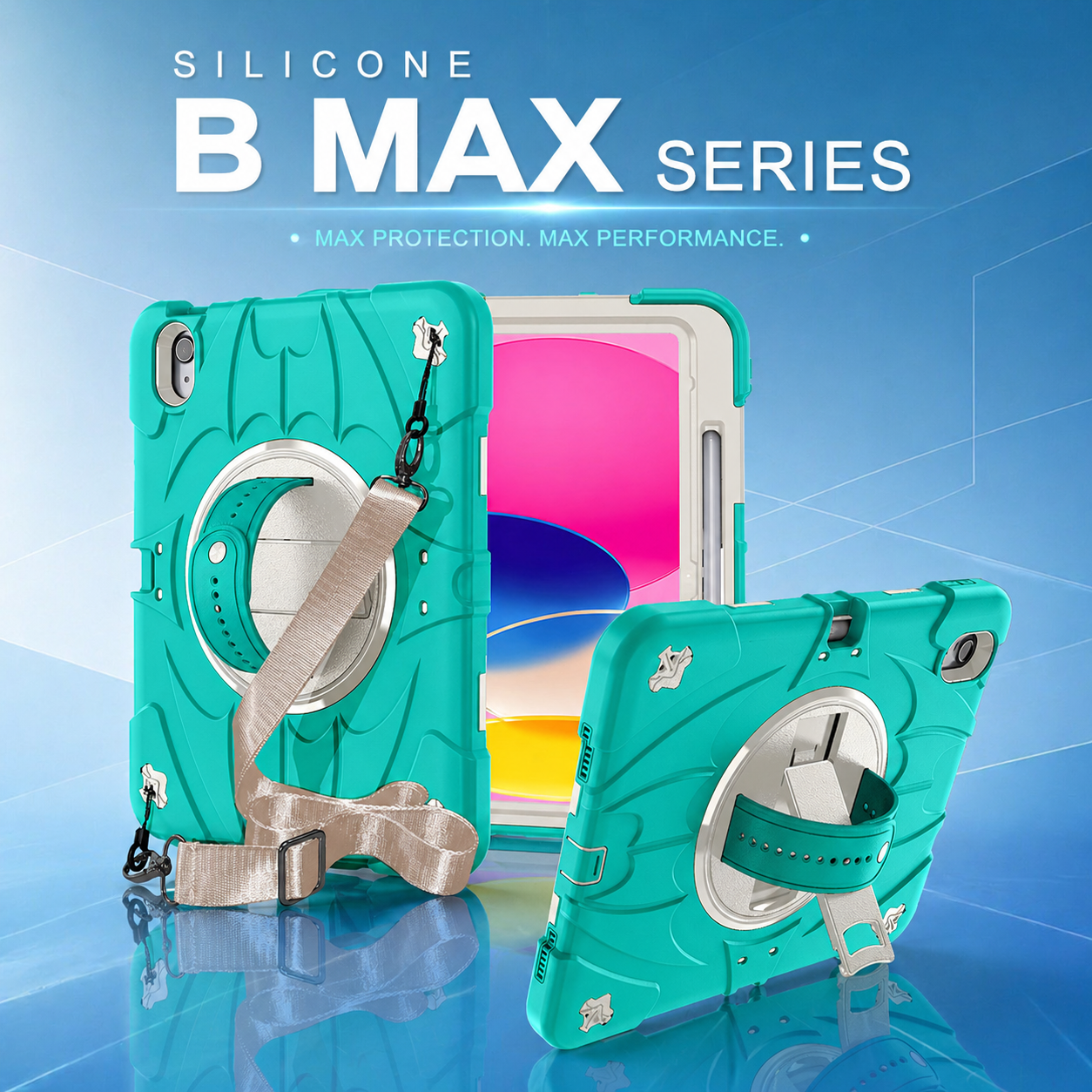

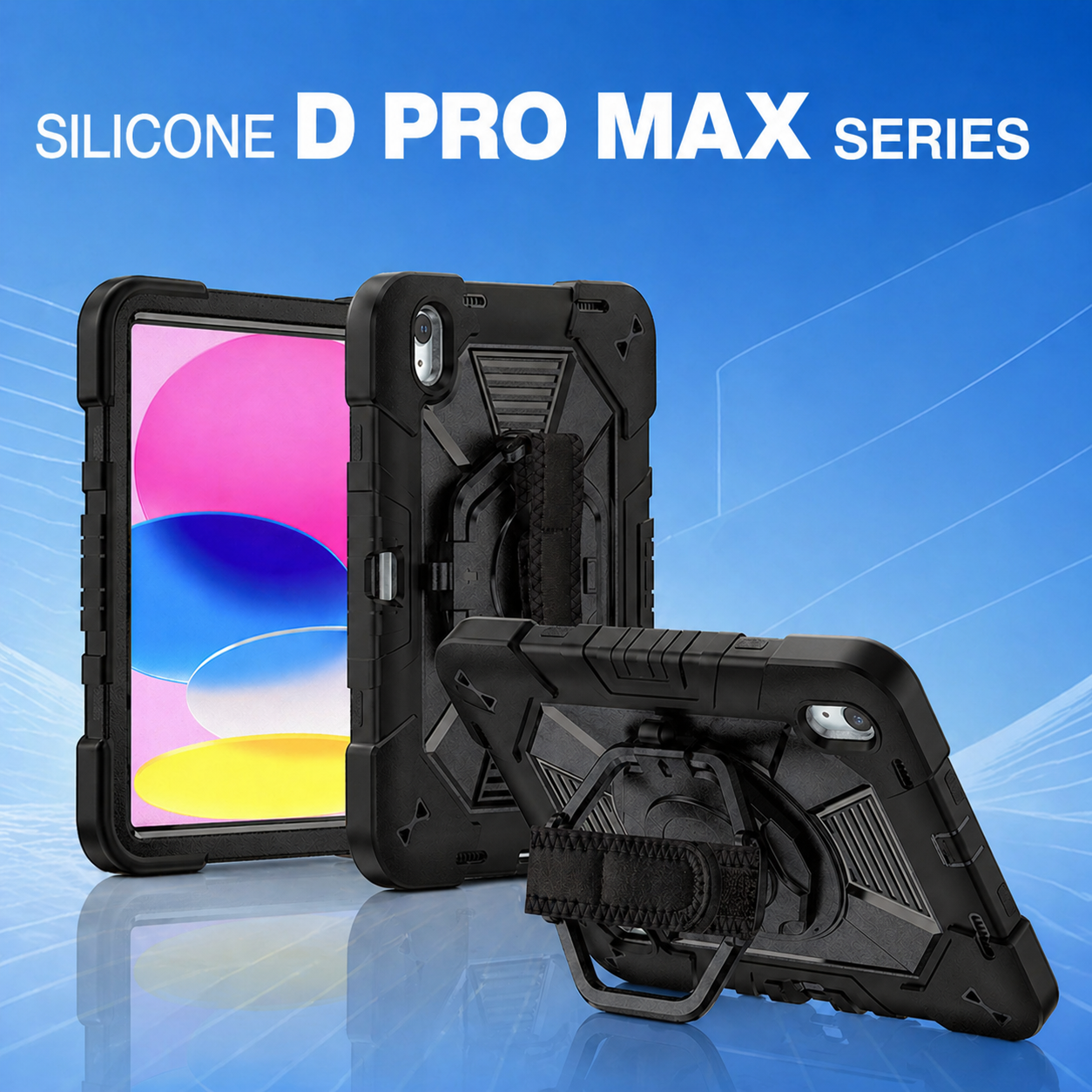
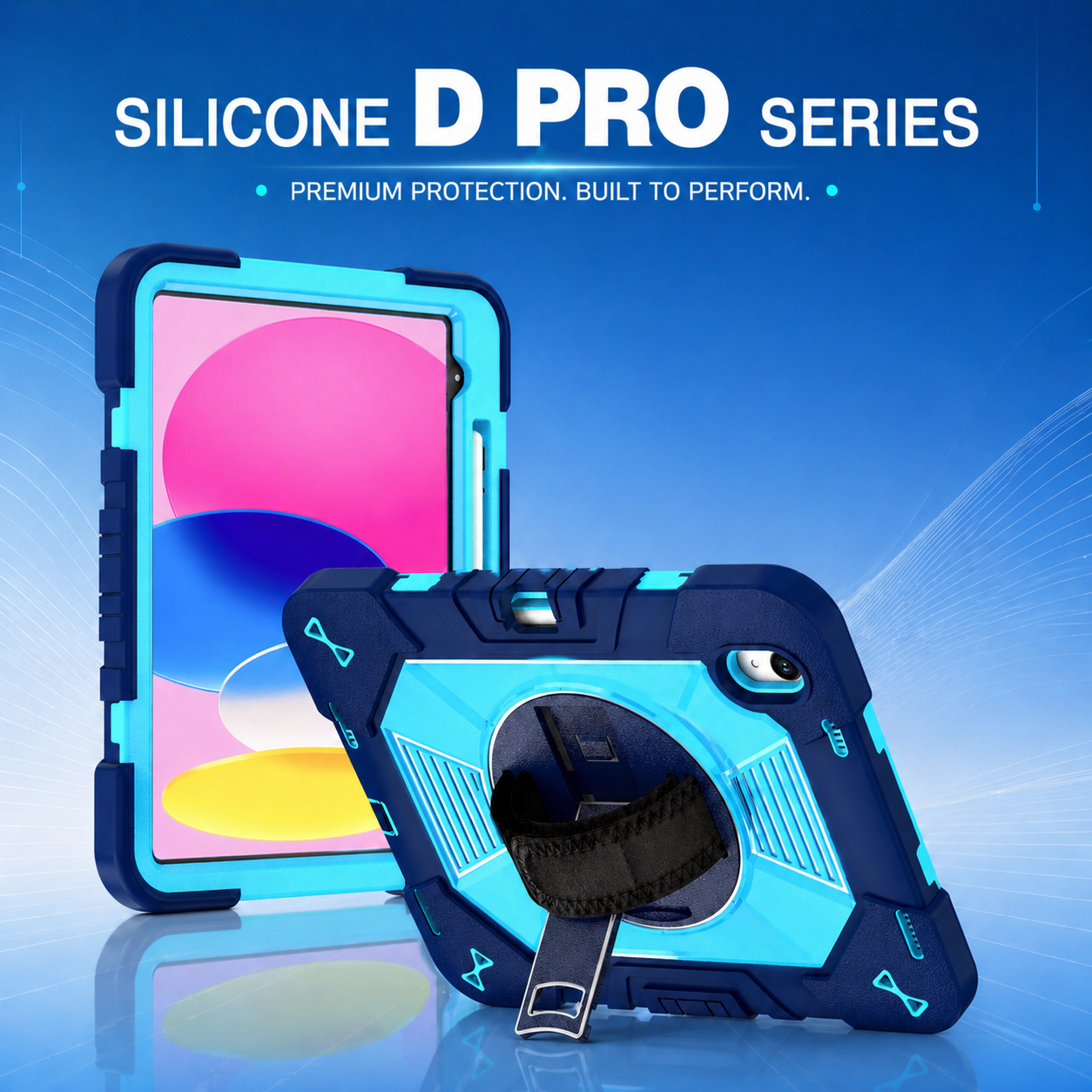
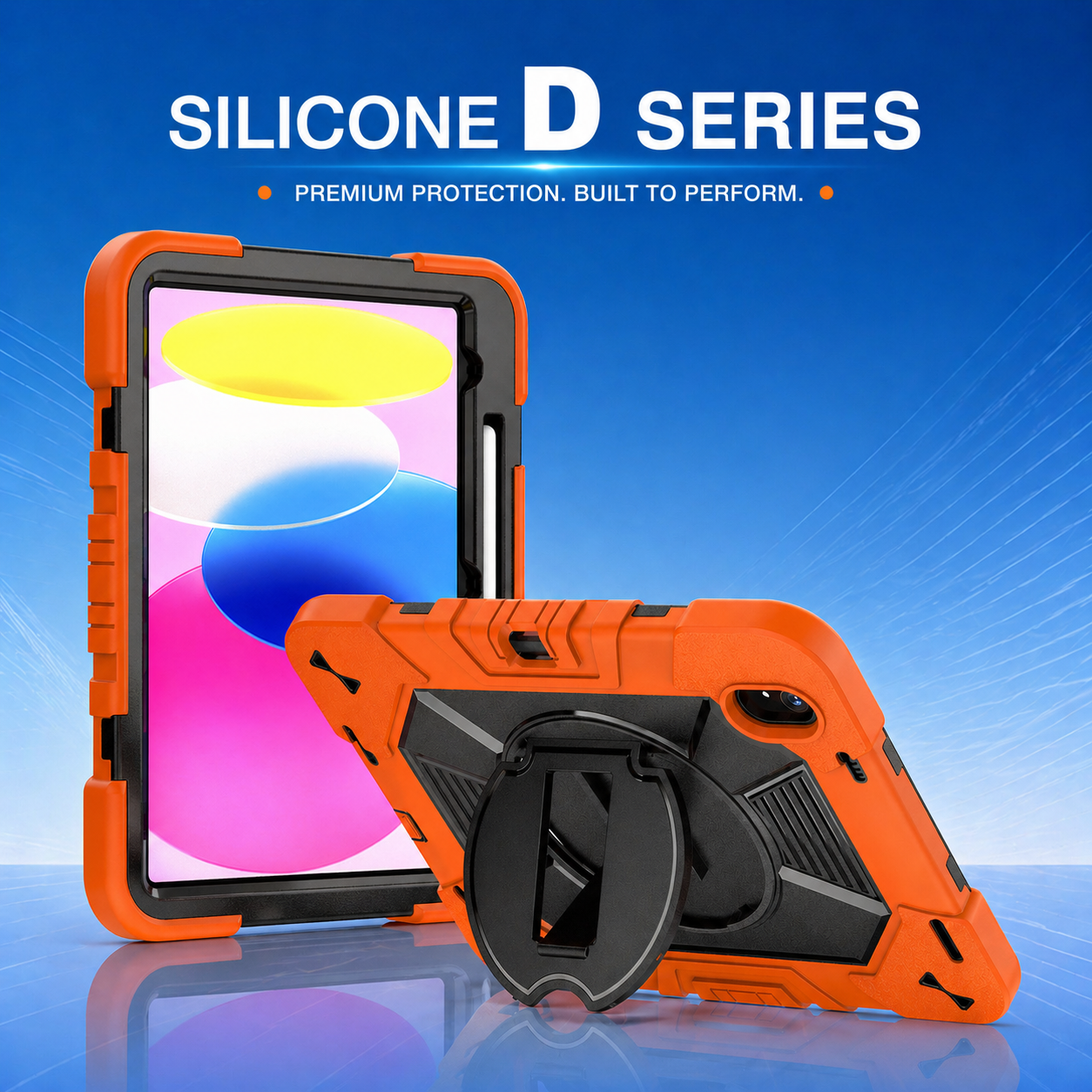

Custom Tablet Protection for Mobile Workforce and Digital Transformation
Digital transformation becomes real when frontline employees can use reliable tools throughout the workday. In logistics and warehousing, tablets connect workers to inventory, task queues, safety information, maintenance records, route data, and customer documentation. The software may receive most of the attention, but the physical deployment determines whether those digital processes remain available in demanding environments. A planned protection program helps turn mobile devices from fragile electronics into dependable operational equipment.
Design around the worker journey
Begin with the complete path of the device. Consider where it is issued, how the employee carries it, where it is placed during a task, how it is mounted, when it is charged, how it is cleaned, and where it is returned. Each handoff can create risk. A rugged tablet case should support that journey without adding unnecessary steps or forcing users to remove the device for routine charging and scanning.
Observe several roles rather than designing for an average user. Pickers may prioritize low weight and secure grip. Forklift operators may need fast mounting and removal. Maintenance technicians may want a shoulder strap and stable stand. Delivery staff may require camera access and weather-conscious port protection. Supervisors may use the tablet both standing and at a desk. These differences can be addressed through modular accessories or separate configurations built around one core platform.
Connect protection to process performance
Device damage creates more than a repair bill. It can interrupt task execution, require a temporary login on another unit, delay scanning, and increase support workload. A full body protective tablet case can reduce exposure at the screen, corners, camera, and back surface, but it must preserve the speed of normal work. Protection that blocks a scanner, complicates charging, or makes the device too heavy may encourage employees to remove it.
Use baseline data before deployment. Track breakage by location, device model, task, and damage type. Measure repair time, spare-device usage, and lost productivity where possible. After rollout, compare the same indicators and collect user feedback. This allows the organization to determine whether the program is solving the right problem and whether certain sites need a different configuration.
Build a scalable accessory ecosystem
A protection strategy is easier to manage when accessories are standardized. Hand straps, shoulder straps, kickstands, screen protectors, mounts, and charging solutions should work together. A multi angle kickstand tablet case can support data entry, video instructions, inspections, and collaborative review, but the stand must remain stable through repeated cycles and should not interfere with mounting.
Modularity also improves maintenance. Replaceable straps or stands can extend product life and reduce waste. Shared mounting interfaces can simplify equipment across forklifts, carts, and workstations. Spare parts should have clear item numbers and packaging so local teams can order the correct component without replacing the complete case.
Use customization where it creates operational value
Custom development may include corporate colors, logos, molded asset areas, scanner clearance, stylus storage, special mounting points, sealed buttons, or packaging by site. These changes should have a measurable purpose. Branding can identify ownership, while color coding can separate departments, security levels, or device types. A dedicated label panel can improve asset tracking and prevent stickers from covering vents or functional areas.
Private-label buyers should control artwork, color standards, packaging, manuals, and approved reference samples. Technical changes should follow a documented approval process. When a tablet model changes, the supplier should identify which accessories can be retained and which parts require redevelopment. This protects previous investment and reduces disruption during refresh cycles.
Align procurement, IT, operations, and safety
Successful programs involve all relevant teams. Procurement manages commercial terms and supply continuity. IT verifies device compatibility, charging, wireless performance, and support procedures. Operations validates workflow and user acceptance. Safety teams review carrying methods, mounts, and any interaction with vehicles or machinery. Finance can assess total cost across repairs, replacements, downtime, and accessory life.
A cross-functional pilot should include representative sites and roles. Provide a clear feedback form and record both positive and negative observations. Do not rely only on survey scores; watch employees perform real tasks. Small issues such as a difficult button, unstable stand, or awkward strap adjustment may become significant at fleet scale.
Plan lifecycle support from launch
Deployment plans should include installation instructions, user training, cleaning guidance, inspection intervals, spare parts, warranty handling, and end-of-life procedures. Cases should be checked when devices are reassigned or serviced. Damaged protective components should be replaced before the tablet returns to operation.
Forecasting should account for new hires, expansion, seasonal peaks, breakage, and device refreshes. The manufacturer should provide repeatable materials, documented quality controls, and notice of major changes. For multi-region programs, packaging and instructions may need localization, while the physical product remains standardized.
Turn protection into an enabling platform
The strongest mobile workforce programs treat device protection as part of system design. Hardware, software, accessories, charging, mounting, workflows, and support are evaluated together. This approach reduces hidden friction and gives employees confidence that the tablet will be available when the task requires it.
Custom tablet protection is most valuable when it improves uptime, usability, and consistency across the organization. By combining application research, appropriate materials, modular accessories, disciplined sourcing, and lifecycle support, logistics and warehouse teams can scale digital tools without scaling avoidable device risk. The result is not merely a tougher enclosure; it is a more resilient connection between frontline work and the digital systems that coordinate it.





.png)
+86 13422271740
.png)
info@tongmeitech.com
.png)
No. 34, Mashe Section, Guihe Road, Lishui Town, Foshan, Guangdong, China