- 1
- BLACKL
- TABLETAPPLE iPad Mini 8NEW iPad A16(2025) iPad 10.9" 10th (2022) iPad 10.2" (7th/8th/9th) iPad Air 13" (M2/M3/M4)(2024/2025/2026)NEW iPad Air 11" (M2/M3/M4)(2024/2025/2026)NEW iPad Mini 8.3" (A7 Pro/6th Gen) iPad Pro13"(M4/M5)(2024/2025) iPad Pro11"(M4/M5)(2026) iPad 9.7" (5th/6th Gen) iPad Pro 12.9"(2018-2022) iPad Pro 11"(2018-2022) iPad 9.7"(2th/3th/4th) iPad Air 10.9"(4th/5th Gen) iPad Mini 7.9"(4th/5th Gen)SAMSUNG Galaxy Tab A11 Galaxy Tab A11 Plus Galaxy Tab S11 Galaxy Tab S12 PlusNEW Galaxy Tab S12 UltraNEW Galaxy Tab A9+ Galaxy Tab A9 Galaxy Tab A8 Galaxy Tab A7 Galaxy Tab A7 Lite Galaxy Tab S11 Ultra/S10 Ultra/S9 Ultra/S8 Ultra Galaxy Tab S10+/S9+/S9 FE+ Galaxy Tab S10Lite/S10 FE/S9 FE/S9 Galaxy Tab S8+/S7+/S7 FE Galaxy Tab S8/S7 Galaxy Tab S6 lite Galaxy Tab A10.1 Galaxy Tab A8.4 Galaxy Tab A8.0 Galaxy Tab S10 FE+LENOVO iDea tab 11/Tab K11 Gen 2 /Xiaoxin Pad 11 2025 Lenovo Tab K9 (Tab One) 2025 Lenovo Tab M10 10.1"(2025) Lenovo Tab M10 Plus 10.6" (3rd Gen) Lenovo Tab M10 HD 10.1" (3rd Gen) Lenovo K10/M10 Plus 10.3" (2nd Gen) Lenovo Tab M10 HD 10.1" (2nd Gen)XIAOMI Redmi Pad 2 9.7 InchNEW Xiaomi Pad8/8Pro 11.2" Redmi Pad2/Pad2.4G Xiaomi Pad 6/6 Pro 11" Redmi Pad 10.61" Redmi Pad Se 11" Redmi pad Se 4G 8.7" Xiaomi Pad7/7 Pro 11.2" Redmi Pad Pro/Xiaomi Poco Pad/Redmi Pad2 Pro 12.1HUAWEI Huawei Matepad Se 10.4" Huawei Matepad 11" Huawei Matepad 11.5" Huawei Matepad SE 11" Huawei Matepad T8 8" Huawei Matepad T10 9.7"
- CATEGORIES
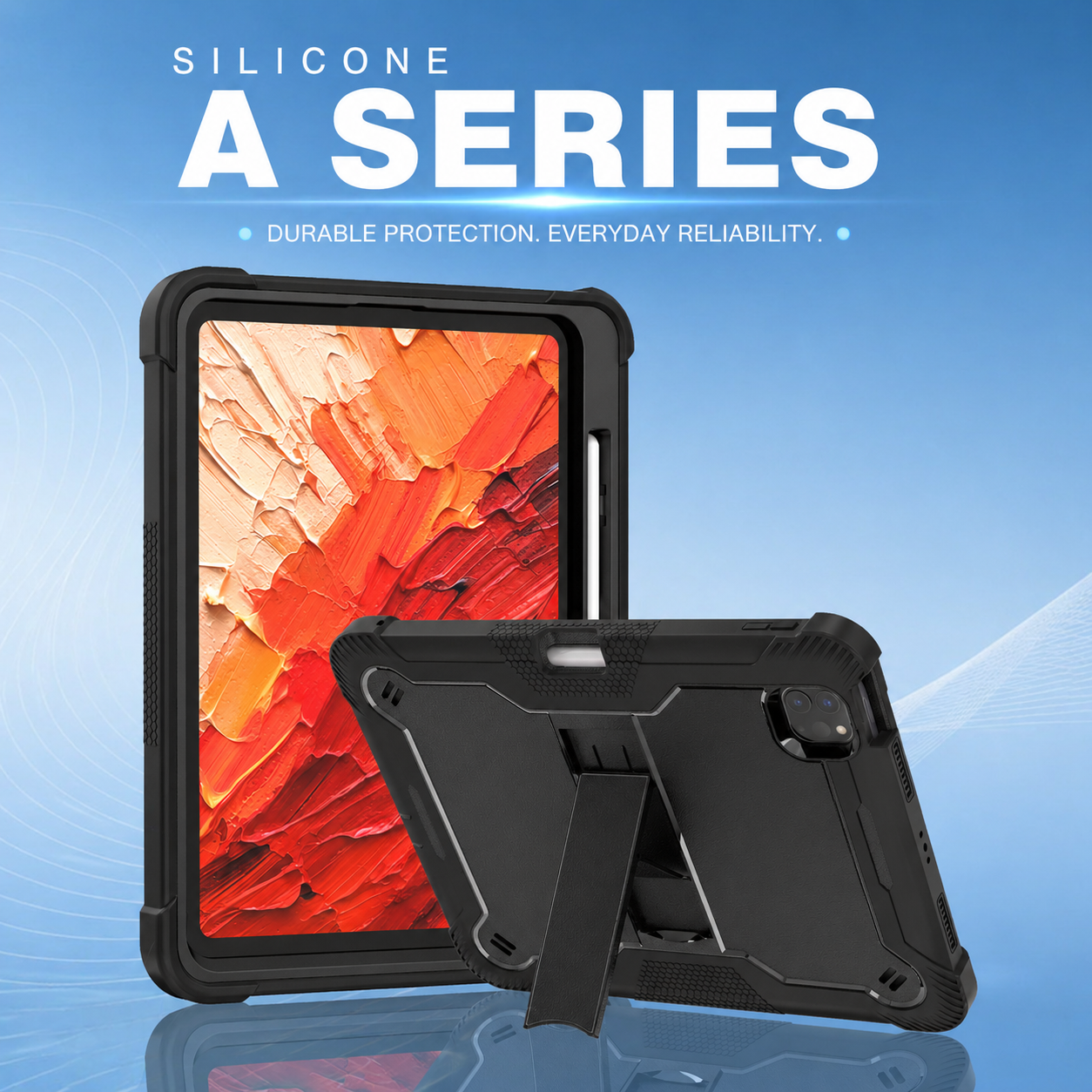
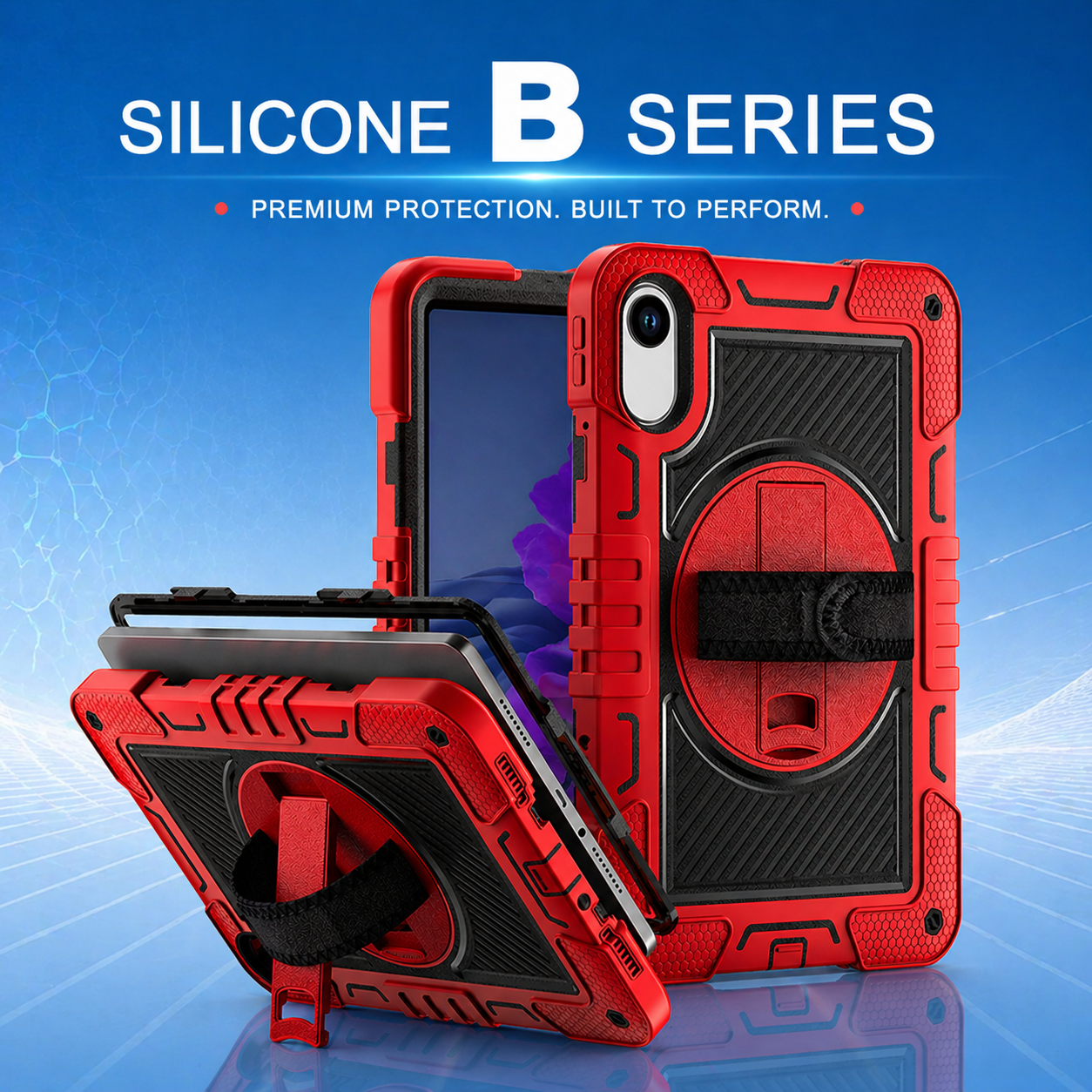
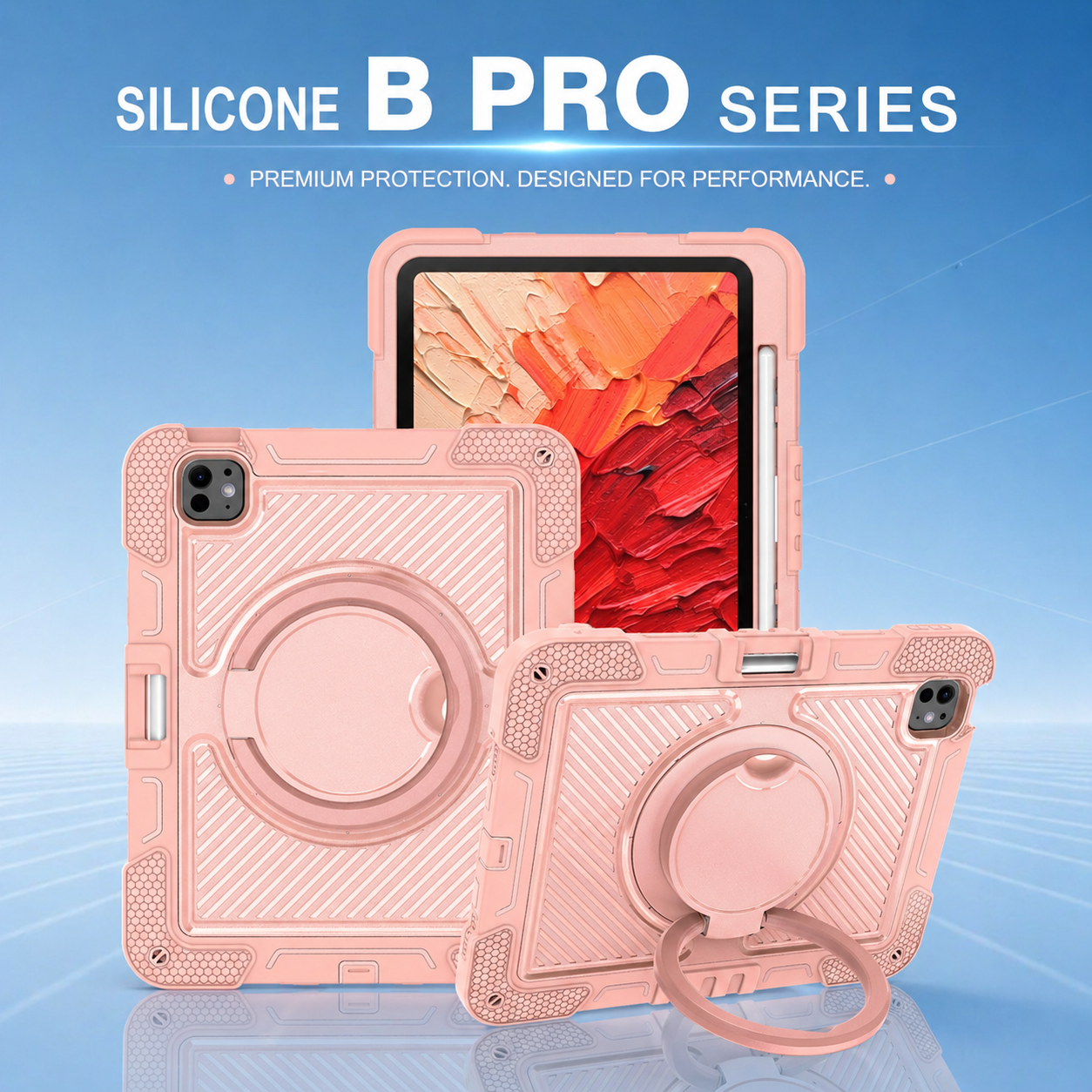

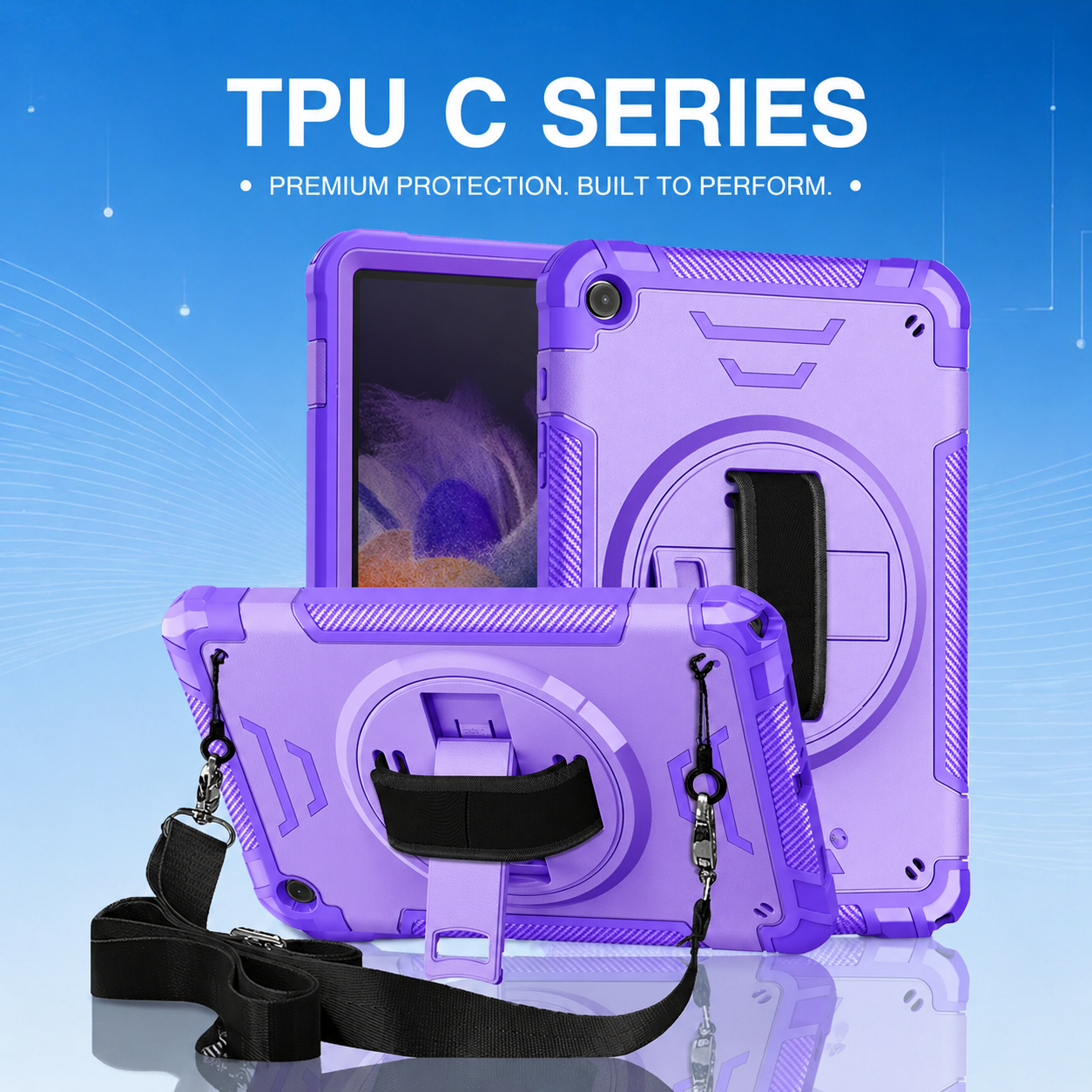

How Three-Layer Rugged Tablet Cases Reduce Field Downtime
Tablet downtime rarely begins with a dramatic accident. It often starts with a routine drop from a cart, a corner impact on concrete, vibration inside a service vehicle, or repeated handling by employees wearing gloves. A single incident can damage the screen, deform the housing, loosen a connector, or make the device unreliable. For companies that depend on tablets for inspections, inventory, dispatch, patient records, or technical service, those failures create delays that extend far beyond the cost of the hardware.
Why Multiple Layers Matter
A well-engineered protective system uses different materials to control different types of force. A rigid inner frame stabilizes the tablet and limits twisting. A resilient middle layer cushions impact and spreads energy away from vulnerable points. A flexible outer layer improves grip and absorbs vibration. The layers must work together, because simply adding thickness can increase weight without improving protection.
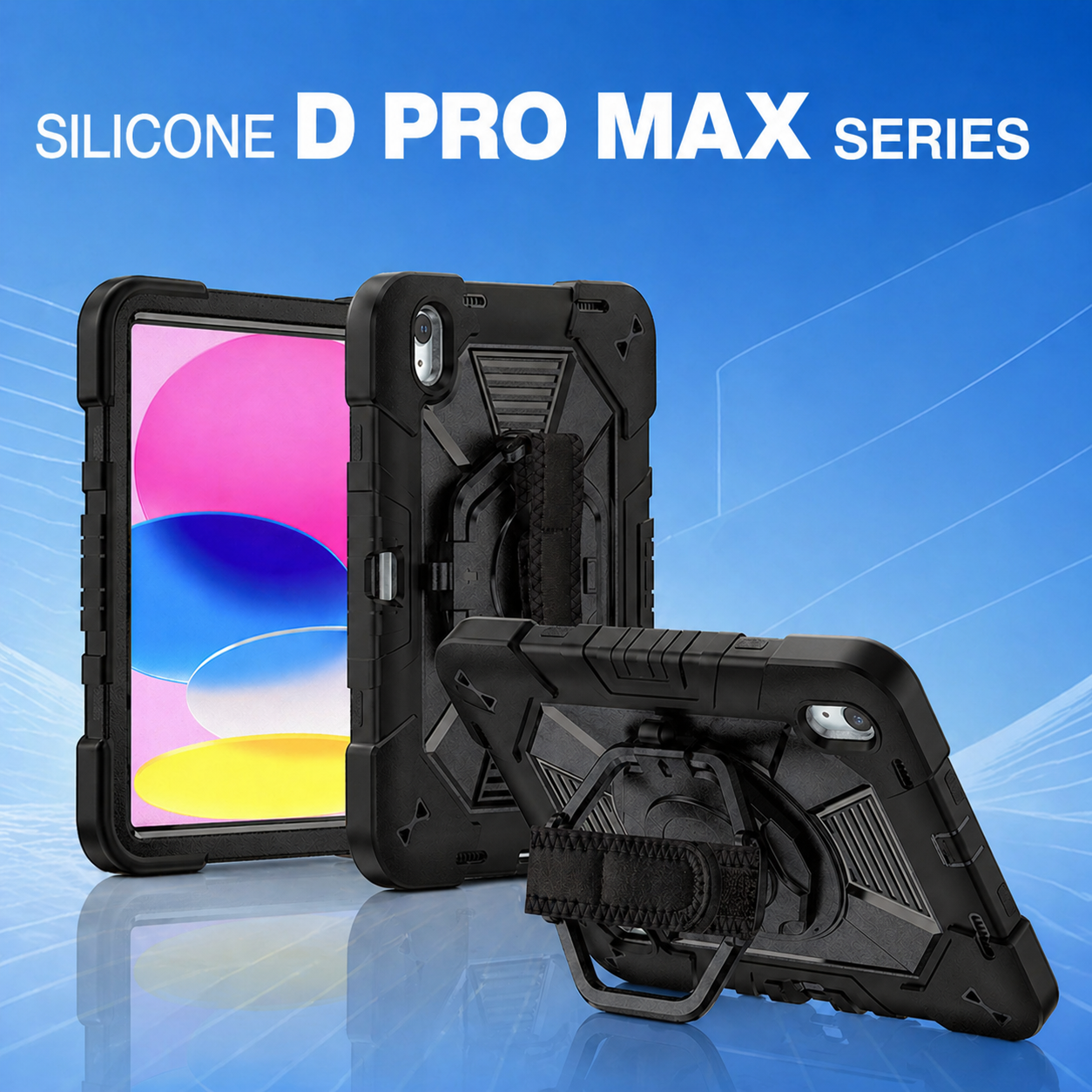
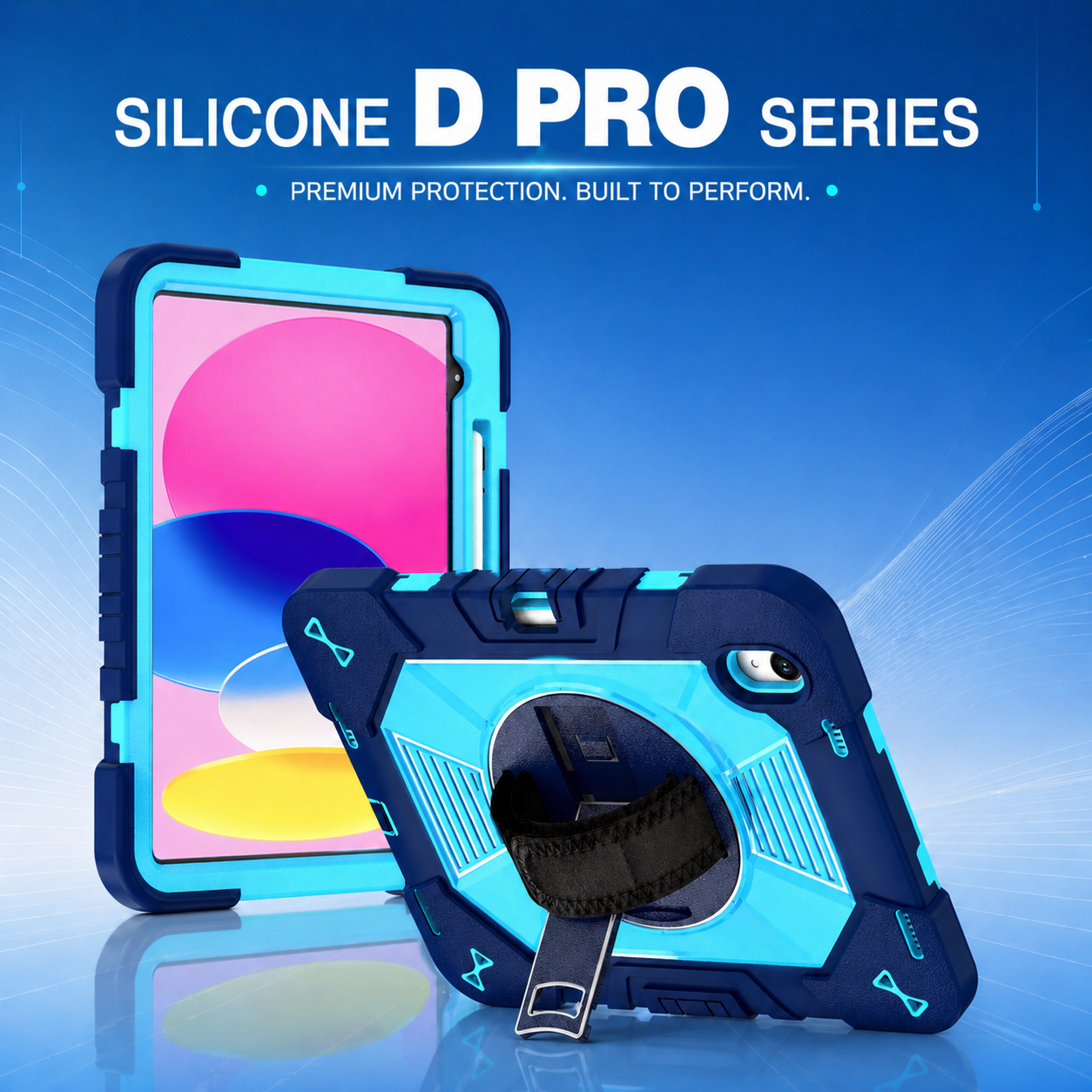
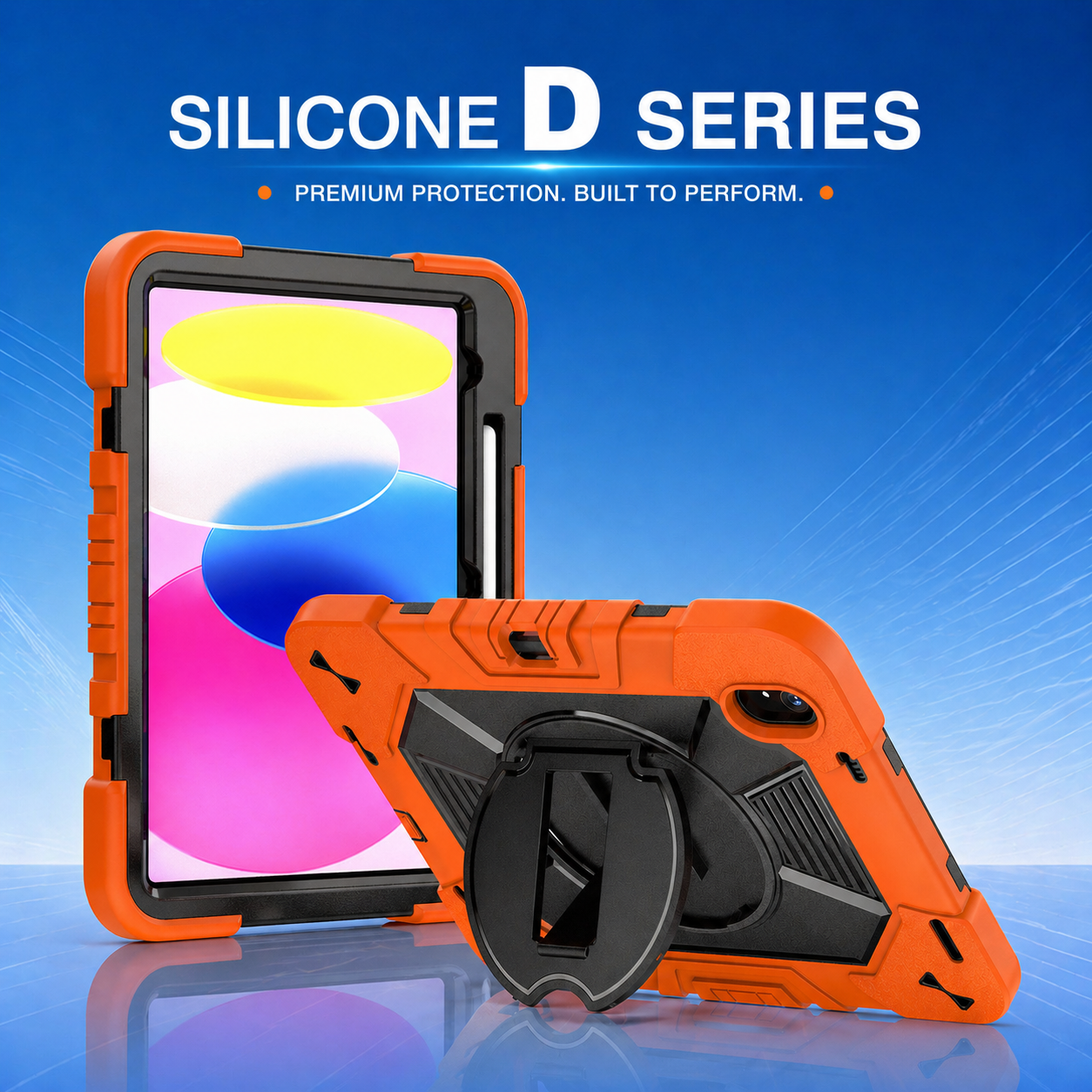
A 3 layers heavy duty rugged tablet case is most effective when each layer has a clearly defined role. The inner shell should hold the device securely without creating concentrated pressure around the screen or buttons. The shock-absorbing section should reinforce corners and edges, where most accidental drops occur. The exterior should resist abrasion, provide traction, and protect the structural layers from repeated workplace contact.
Impact Management at Corners and Edges
Corner impacts are especially dangerous because force is concentrated in a small area. Reinforced corner geometry can create a controlled deformation zone that absorbs energy before it reaches the tablet. Raised edges around the display and camera can also keep glass away from flat surfaces. However, these features must be designed carefully so that they do not interfere with touchscreen gestures, photography, or scanning.
A rugged tablet case should maintain its fit after repeated drops. If the layers separate, stretch, or loosen, the tablet can shift inside the case and experience a secondary impact. Quality testing should therefore include repeated drops, not only a single demonstration. Buyers should inspect whether the corners remain seated, the buttons stay aligned, and the port covers continue to close after testing.
Preventing Operational Interruptions
Physical protection reduces several forms of downtime. It lowers the number of broken devices removed from service, decreases emergency replacement shipments, and reduces the time IT teams spend reconfiguring spare tablets. It can also prevent minor damage that makes employees work more slowly, such as a loose stand, damaged camera opening, or unstable hand strap.
For field service teams, uninterrupted device access supports faster job completion and better data quality. Technicians can review diagrams, capture evidence, obtain signatures, and close work orders on site. Warehouse employees can scan inventory without repeatedly repositioning the device. Healthcare staff can move between rooms with a secure grip. Logistics teams can keep route and delivery information visible while protecting the tablet during frequent entry and exit from vehicles.
Protection Must Include Usability
Maximum protection is not useful if the case makes everyday work difficult. A full body protective tablet case should still allow easy access to charging ports, speakers, cameras, microphones, and physical controls. Employees should be able to use the device with gloves, rotate the screen, and attach or remove carrying accessories without tools. The weight should remain appropriate for a full shift.
Integrated hand straps, shoulder straps, and kickstands can reduce handling risk while improving ergonomics. A rotating hand strap lets the user change orientation without releasing the device. A stable stand supports data entry, remote assistance, and equipment diagnostics. Carrying straps keep both hands available when climbing stairs, moving packages, or handling tools. These features reduce the situations in which a tablet is likely to be dropped.
Testing a Three-Layer Design
Procurement teams should build a test plan around the real work environment. Sample cases can be evaluated for fit, edge coverage, grip, button response, port access, stand stability, strap strength, and cleaning resistance. Controlled drops should reflect common heights, surfaces, and orientations. Repeated rotation and folding cycles can reveal weak hinges or attachment points. Vehicle vibration and temperature testing may be relevant for transportation, utilities, and outdoor operations.
It is also useful to run a short employee pilot. Different users will identify issues that are difficult to see in drawings, including pressure points, awkward strap placement, glare caused by stand angles, or difficulty reaching controls. Their feedback can guide changes before tooling is finalized or a large order is placed.
From Product Specification to Fleet Standard
Once the design is validated, it can become a standard component of the enterprise mobility program. Standardization simplifies purchasing, training, maintenance, and replacement. OEM and ODM customization can add corporate colors, logos, asset labels, packaging, or mounting interfaces. Clear drawings, approved samples, inspection criteria, and change-control records help maintain consistency across production batches.
Three-layer construction provides a strong foundation, but field productivity also depends on how the tablet is positioned during work. The next design decision is often the multi-angle kickstand configuration for hands-free field use, which can improve viewing, typing, scanning, and remote collaboration.
SEO Keywords
#RuggedTabletCase, #DeviceProtection, #IndustrialSolutions, #WarehouseTechnology, #LogisticsSolution, 3 layers heavy duty rugged tablet case, rugged tablet case, full body protective tablet case.






.png)
+86 13422271740
.png)
info@tongmeitech.com
.png)
No. 34, Mashe Section, Guihe Road, Lishui Town, Foshan, Guangdong, China